

One Prompt, One Studio: How HyperFrames + Claude Turn Anyone Into a Video Editor
One Prompt, One Studio: How HyperFrames + Claude Turn Anyone Into a Video Editor
Video editing has always had a grind built into it.
Timeline scrubbing. Keyframe wrestling. Rendering a ten-second clip just to see if a transition actually lands. For most small and medium businesses, that grind comes down to two options: pay a freelance editor, or skip the video altogether.
There's now a third option.
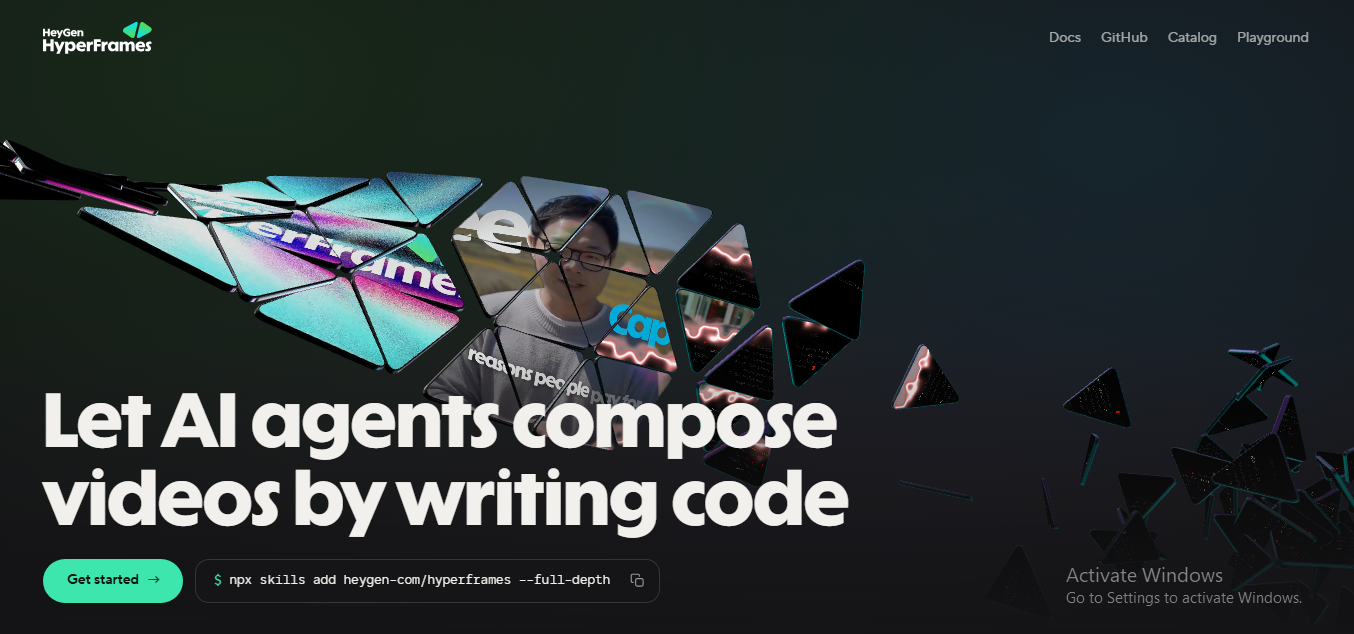
HyperFrames is a free, open-source video framework built by HeyGen. Paired with Claude Code — Anthropic's AI coding agent — it writes, animates, and renders professional video from a plain-English prompt. No timeline. No editing software. No design background required.
Here's how it works, what it can produce, and why it's worth fifteen minutes of setup.
What Is HyperFrames?
Most video tools ask you to drag clips onto a timeline and place every element by hand. HyperFrames flips that model.
Instead of a timeline, it treats a video the way a developer treats a webpage — as HTML, CSS, and JavaScript running under the hood. Describe the scene, the motion, and the mood, and the framework generates the animated graphics, overlays, captions, and transitions.
The part that makes it usable for a non-developer is Claude Code. HyperFrames was built for AI coding agents from the ground up. It also works with Cursor, Gemini CLI, and Codex. When it's paired with Claude Code, Claude writes all of the underlying HTML and CSS. Nobody touches a line of code — you describe the outcome you want, in plain language, and Claude handles the implementation.
It's also open source, so there's no licence fee standing between a business and its first video.
Getting Set Up (Mac)
The setup takes about fifteen minutes and only needs to happen once.
1. Install Node.js
Download the macOS installer from nodejs.org and run it. Confirm it worked in Terminal with node --version.
2. Install Homebrew
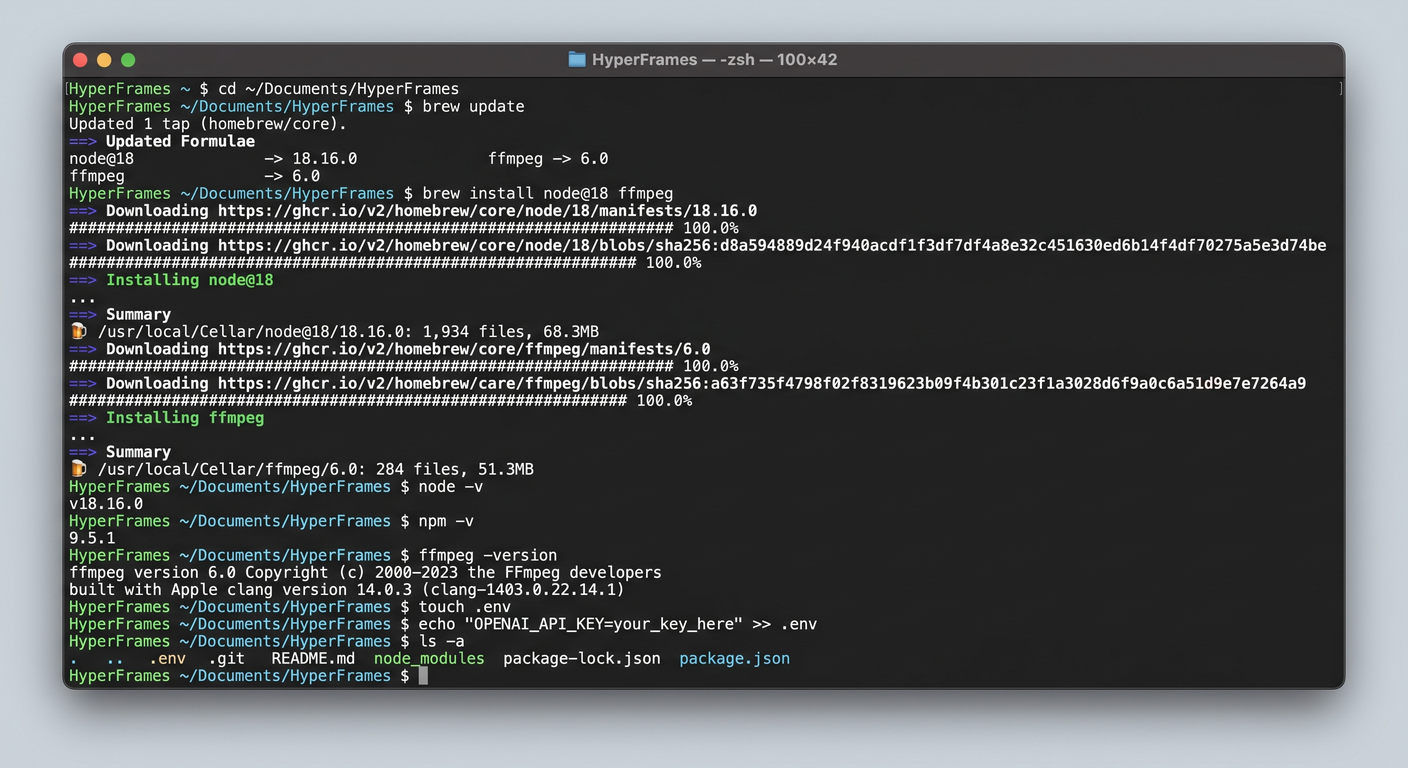
Mac's package manager for developer tools. Paste the install command from brew.sh into Terminal and follow the prompts.
3. Install FFmpeg
The tool that converts HyperFrames' animations into an actual video file.
brew install ffmpeg
4. Create a Project Folder
Create a dedicated workspace such as ~/Documents/AI-Videos, where brand assets such as your logo, footage, and colour notes can live.
5. Install the HyperFrames Skills
Open Claude Code inside that folder and run npx hyperframes skills update, then restart Claude Code.
6. Preview and Export
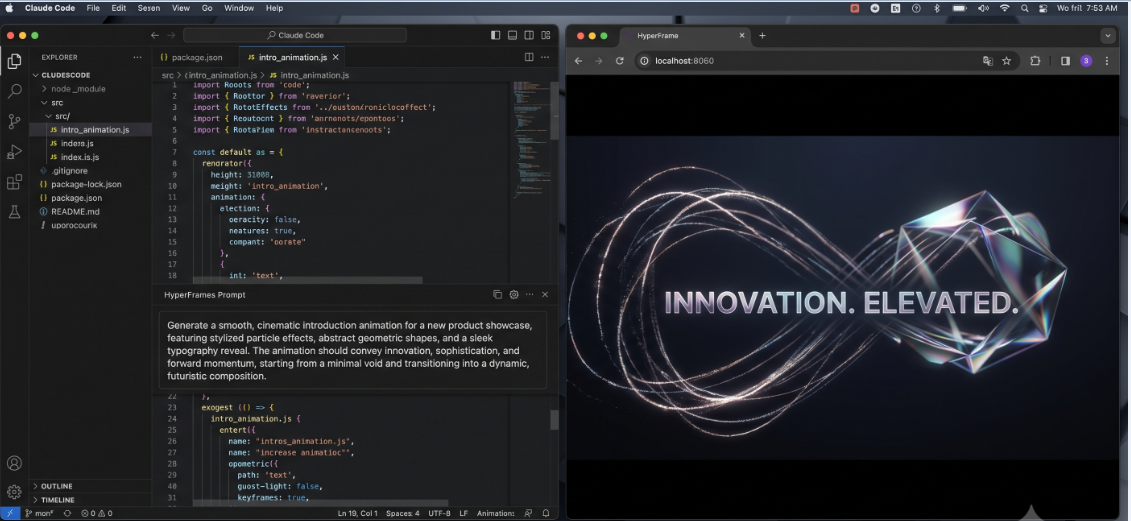
npx hyperframes preview opens a live browser preview. Export to MP4, MOV, or WebM by asking Claude directly or using the Renders button in the browser UI.
Once that's done, the entire workflow lives inside a conversation with Claude.
Tip: Always open Claude Code from inside the project folder — it needs to see the skills files to know how to build videos.
From a Single Prompt to a Polished Animation
The clearest way to see the shift is a simple example: a ten-second cinematic intro animation.
One prompt — describing a dark background, a logo, a title and subtitle, gold glow effects, and “Apple product reveal” polish — produced a finished motion graphic before a cup of tea had finished brewing. No timeline. No keyframes. No easing curves to fight with.
Because it's prompt-based, revisions work the same way. Asking for a larger, bolder title, more glow around the logo, and a 20% slower pace produced an updated render in one pass — a change that would normally mean reopening a project file and manually adjusting several layers.
What's Built Into HyperFrames
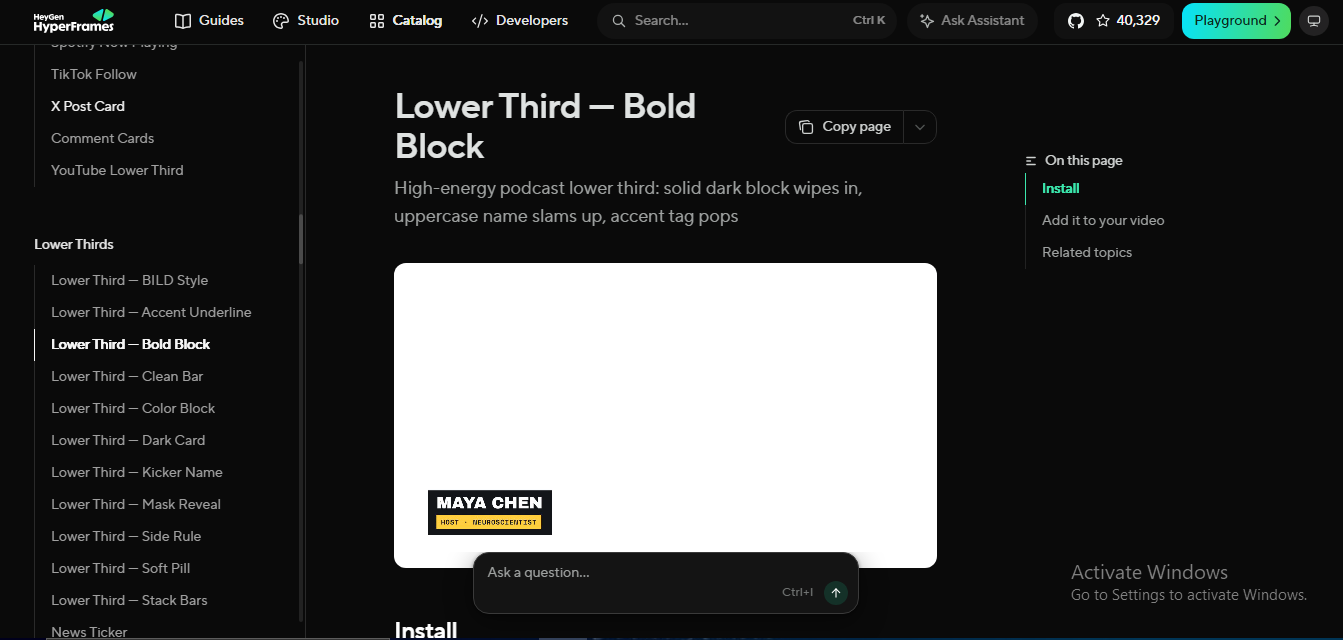
Beyond custom animations, HyperFrames ships with a large catalogue of ready-made, prompt-controlled blocks.
Lower Thirds
Clean Bar, Bold Block, Dark Card, Mask Reveal, News Ticker, and more.
Captions
Pill Karaoke, Kinetic Slam, Neon Glow, Glitch RGB, Particle Burst.
Transitions
GPU-powered shader effects — Cinematic Zoom, Light Leak, Whip Pan, Cross Warp Morph.
Social Overlays
YouTube Subscribe, Instagram/TikTok Follow, X Post, Spotify Now-Playing cards.
Motion Graphics
Stat cards, flowcharts, checklists, animated maps, logo outros.
VFX
Liquid Glass, Shatter, Portal, Magnetic effects, 3D iPhone/MacBook mockups.
Every one of these works the same way — name the style and the timecode in a prompt.
For example:
Add a Bold Block lower third at the five-second mark, navy background, gold accent
That's a complete instruction. Claude drops it in at the right frame.
A Real Example: An SME Promo Video in Eight Prompts
The demos are useful, but the more interesting test is a real business brief.
Take a business coach launching an eight-week programme. The goal: a 60-to-90-second promo video that looks like it came from an agency, without hiring one.
The process starts with a master brief — one prompt covering the business, the offer, the audience, the tone, and the brand colours, asking Claude to propose a full scene-by-scene plan before building anything.
Approve the plan, and each scene becomes its own prompt.
Opening
A cinematic branded intro, with the logo and headline animating in.
Problem
Three animated stat cards establishing why the programme matters.
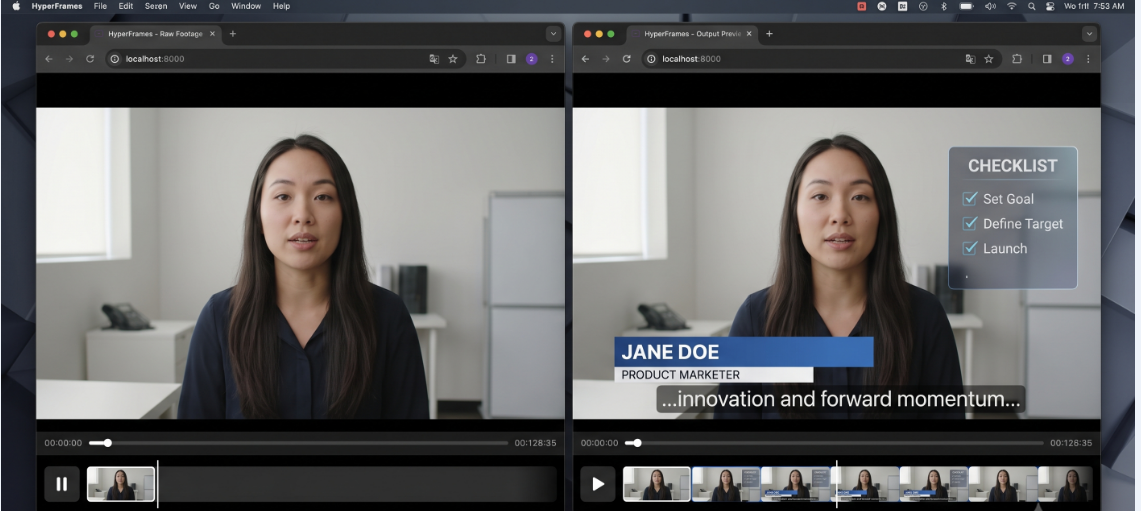
Talking Head
A lower third, synced animated captions, and an on-screen checklist layered over the footage.
Social Proof
Testimonial cards next to the programme's price and start date.
Outro
A branded close with a call-to-action and URL.
Audio
Background music, dynamic volume around dialogue, transition sound effects, and a graceful fade-out.
The same layering approach carries through to the close.
The final prompt renders three export versions in one pass: landscape for LinkedIn and the website, vertical for Reels and TikTok, and square for the Instagram feed — each one correctly reframed, not just resized.
Total time from a blank project to three finished, platform-ready files: roughly 25 to 30 minutes. A freelance editor producing the same output would typically charge somewhere between £400 and £1,200, with a five-to-seven-day turnaround.
Tip: The prompts above are a template, not a script — swap in your own brand name, colours, and offer, and the same eight-prompt structure holds.
Why This Matters Beyond the Demo
None of this is about replacing a good editor's judgment. It's about what happens to the businesses that were never going to hire one in the first place.
For an SME, the real constraint on video content usually isn't creativity — it's time, budget, and the back-and-forth of revision cycles.
A tool that compresses “brief an agency, wait a week, request changes, wait again” into a single working session changes what's actually possible on a normal marketing budget.
It also means the person who knows the brand best — the founder, the marketer, the coach — can iterate directly, without translating their intent through a third party.
That's a meaningful shift for any business that depends on consistent content: course launches, testimonials, product updates, recruiting videos, social ads.
Where This Fits Into a Bigger Shift
This is the pattern worth watching: tools that used to require a specialist and a production budget now run on a laptop and a clear prompt.
At CodeSquad, that's the same shift we build toward with automation — removing the manual bottleneck instead of adding another tool to learn.
HyperFrames is a particularly visible example of it, applied to video instead of a workflow or a dashboard.
It's open source and free to start — worth an afternoon to see what it can do with your own brand.